No. Start with one or a few Apparats, in any room. Add more whenever you're ready, and leave Room unset if you prefer.
Do I need receipts to get started?
No. A label or barcode can help Apparat prepare the details, and manual entry is always available. You can add receipts, warranty information and care later.
What if a label or barcode cannot be read?
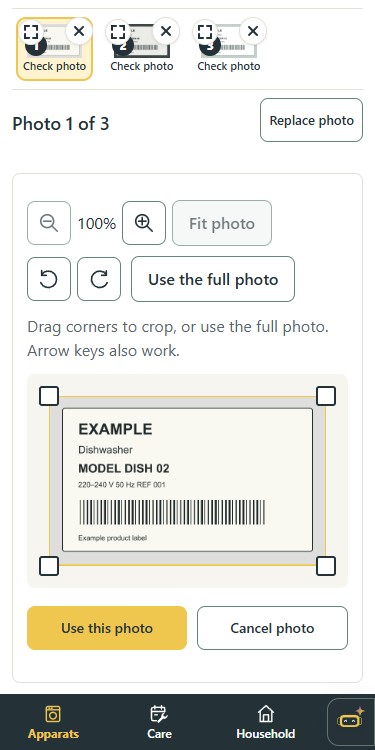
Try a clearer close-up or adjust the crop. You can correct the suggestions or enter the details manually, and you always review before saving.
What happens to my scan photos?
Selected label or barcode images are sent for recognition when you ask Apparat to read them. Saved scan photos belong to the Apparat's documents; unfinished photo batches last only in the current page session.
What does it cost?
Early Access is free. Each new Early Access Household receives a Founder licence with the current Plus features. No payment is required.
What can I track?
Appliances such as a washing machine or coffee machine, and electronics such as a laptop or television. Other supported items include tools, bicycles, heating equipment and a sewing machine. Add items by hand when there is no readable label.
How does label scanning work, and how reliable is it?
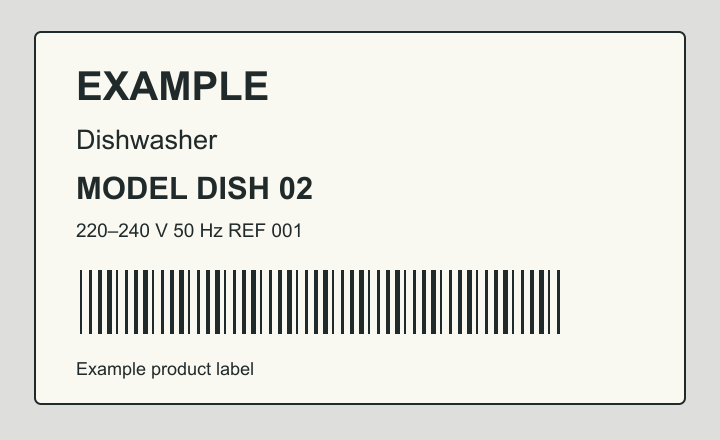
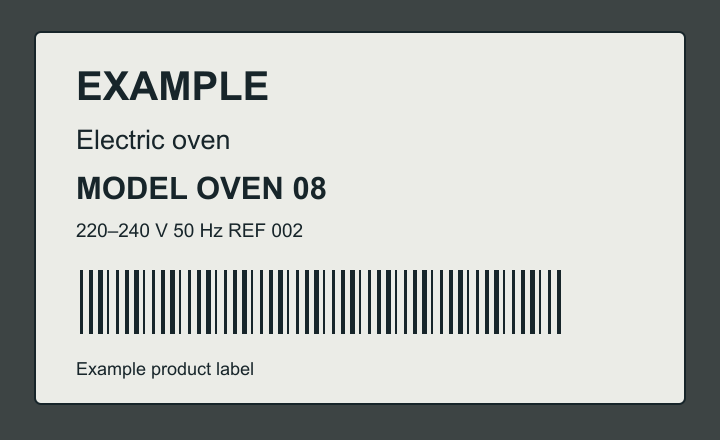
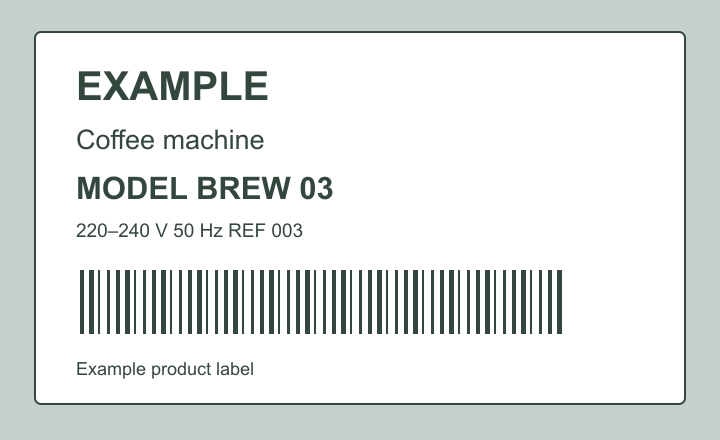
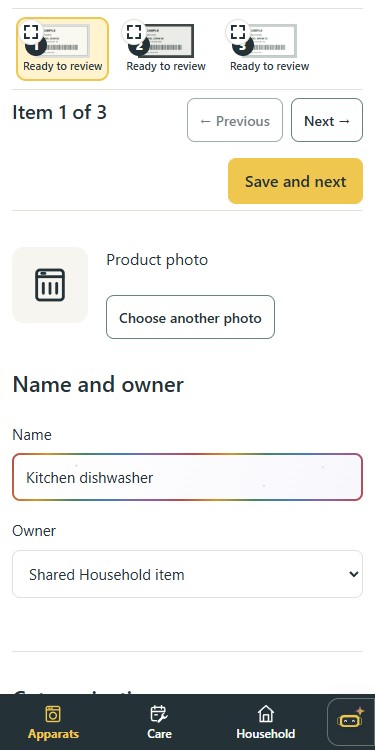
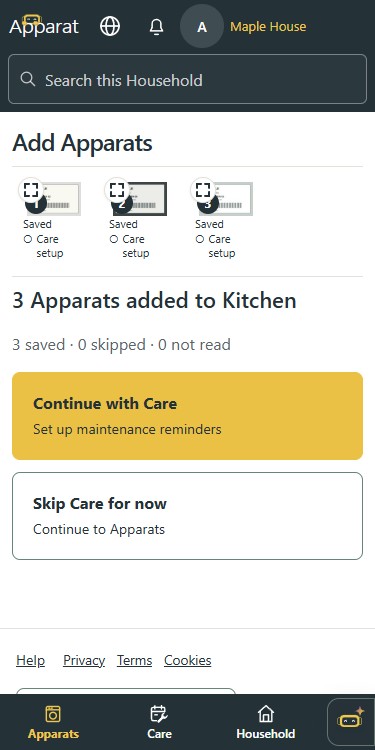
Choose Add Apparats, then AI Capture. Take or select one or more label photos. Check each photo, crop if needed, then read the labels. Review and edit the results before saving. Matching manuals can arrive during review. AI can make mistakes; Add manually is always available.
Where is my data stored and who can see it?
Records and files are stored with Supabase in the EU, and members of your Household can see shared items, documents and Care history. The operator and service providers may access data as needed to provide the service; scanning sends your selected label crop to OpenAI. Some processing takes place outside the EEA, as explained in Privacy. Privacy
Can I share it with my partner or household?
Yes, invite a partner or housemate to your Household so you can both view and update the same items, documents and Care. Each person uses their own account. Other Households remain separate.
Is there a phone app?
You can use the web app in your phone browser, including camera selection when your browser supports it. An Android app is in private testing and is not available as a public download yet. There is no public iOS app.